
Why Do Traditional Panels Consume So Many Resources? "Hidden" Background Processes and the RaTurka Solution
📌 Executive Summary
In modern cloud and hosting infrastructures, high efficiency is the most critical parameter directly determining the Total Cost of Ownership (TCO) and operational stability[cite: 287]. However, legacy monolithic control panels (cPanel, Plesk, DirectAdmin, etc.), which have been considered industry standards for decades, create a heavy "hardware tax" on server resources due to their architectural design[cite: 288]. Running graphical user interfaces (GUI), database engines, mail servers, log analyzers, and firewalls on the same physical or virtual server as client workloads (Nginx, Docker, Node.js, MySQL) causes these monolithic setups to occupy gigabytes of RAM even on an idle server with zero visitor traffic, creating constant resource contention[cite: 289, 290].
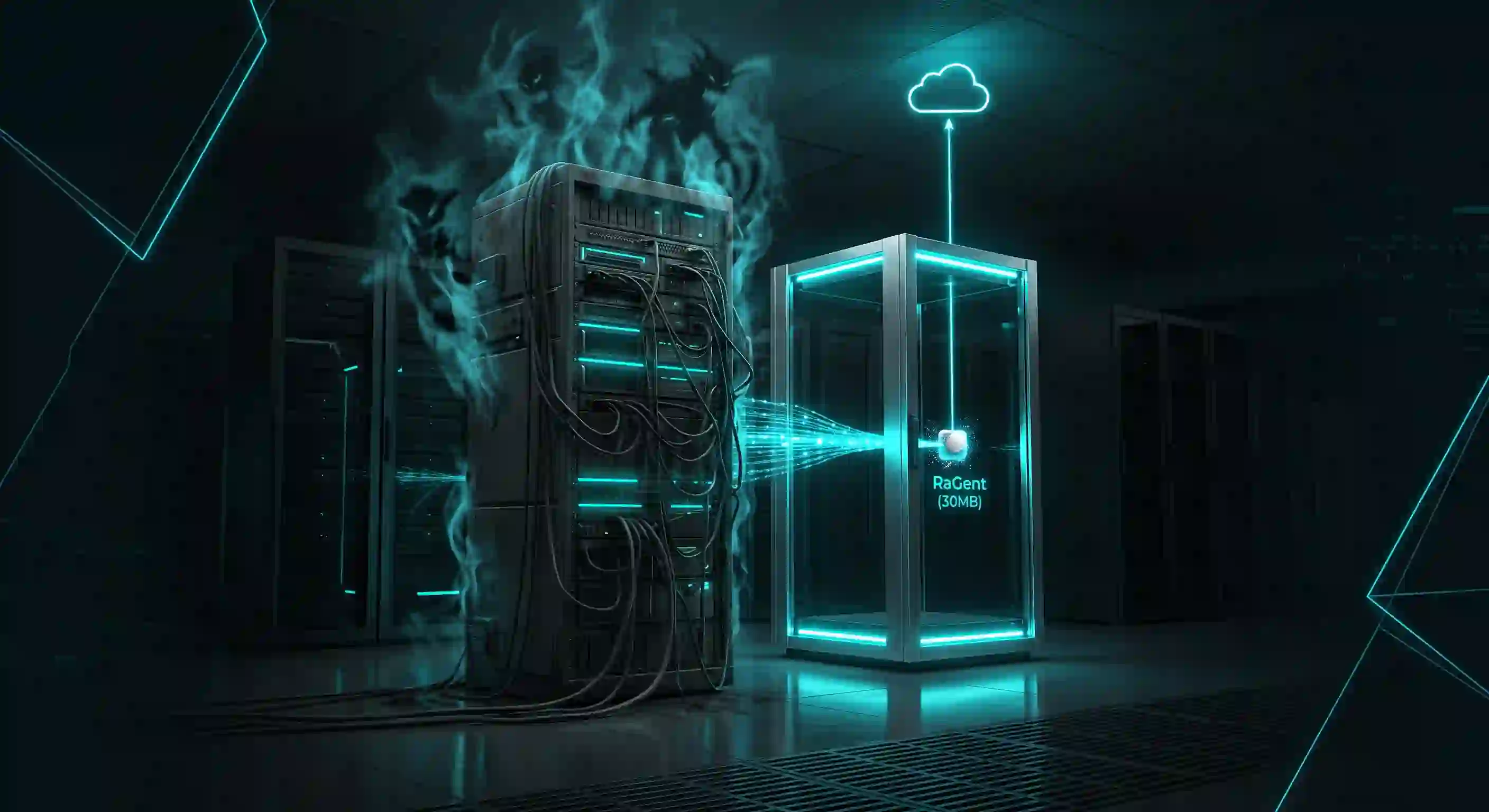
In this article, we examine the hidden consumption mechanics of background processes (daemons) running behind traditional control panels through real-world case examples[cite: 291]. We then explore how RaTurka's architecture eliminates this hardware waste by decoupling the control plane from the data plane, utilizing the .NET 10 NativeAOT-based RaGent agent consuming a mere 30 MB of RAM, and the kernel-level RaDome Edge Defense security layer through comparative data[cite: 291, 292, 298, 301].
1. The Inherent Dilemma of Monolithic Architectures: What is the "Hardware Tax"?
The primary source of inefficiency at the core of traditional web hosting control panels is monolithic software design, where all functional components are bundled under a single roof[cite: 316, 317]. In a monolithic system, every new feature and integrated service bloats the application codebase and multiplies runtime dependencies[cite: 317].
This architectural design imposes severe technical constraints on host servers:
- Shared Resource Pool & Resource Contention: The control panel directly consumes processor (CPU), memory (RAM), and disk input/output (I/O) resources from the host server[cite: 318]. A sudden spike in web traffic can slow down background panel processes, while background tasks (like log analysis or backups) can degrade or freeze client web applications[cite: 319, 320].
- Heavy Runtime Overhead: Monolithic panels rely on interpreted or virtual machine (VM) based runtimes such as PHP, Python, Java, or Perl[cite: 82]. These dependencies generate a persistent idle memory footprint of 500 MB to 1 GB+ due to Garbage Collection and JIT compilation costs[cite: 83].
- Exposed Management Ports & Scanning Overhead: Permanently exposed public management ports (2087, 8443, etc.) needed for panel GUI and services become natural targets for automated botnets and port scanners[cite: 323, 324]. The operating system constantly spends CPU cycles just rejecting or filtering these unauthorized connection attempts[cite: 276, 277].
2. cPanel Background Daemons and Hidden Consumption Mechanics
The cPanel/WHM ecosystem uses numerous closely coupled local daemons running 24/7 in the background to automate server management[cite: 325]. Each daemon maintains a permanent base load in memory while idling and aggressively consumes resources during periodic tasks[cite: 326].
The core background daemons running behind cPanel and their hidden resource strains include:
- cpsrvd (cPanel Server Daemon): The local web application server providing WHM, cPanel, and Webmail interfaces[cite: 327]. It remains active in memory even when no users are logged in, allocating additional memory pools for active sessions[cite: 330]. To prevent process crashes during heavy tasks, sysadmins often raise "Max cPanel process memory" from 512 MB to 1024 MB in WHM, directly shrinking available server RAM[cite: 331].
- cpanellogd (cPanel Log and Bandwidth Processor): The main engine processing log files and bandwidth metrics[cite: 332]. When log files exceed thresholds (default 300 MB) or at month-end, it compresses raw logs into
.tar.gzarchives[cite: 333]. This compression causes massive CPU and Disk I/O spikes[cite: 334]. If it runs concurrently withcpbackup, the disk queue locks up, making the server unresponsive[cite: 335]. - tailwatchd (Log Monitoring Daemon): Monitors system logs in real-time[cite: 337, 338]. On high-traffic servers, fast-growing log files make it prone to memory leaks[cite: 339]. During log rotations, lockups cause it to crash with "Out of memory!", occasionally filling
/usr/local/cpanel/installwith up to 106 GB of core dump files[cite: 340, 341]. - queueprocd (Task Queue Processor): Manages asynchronous background tasks, such as IP blocking tasks generated by cphulkd[cite: 342, 343]. Under heavy bot attacks, stuck tasks accumulate over 90,000 unprocessed small files in
/var/cpanel/taskqueue/groups/cphulk_block_brute_force, exhausting Inodes and Disk I/O to paralyze system performance[cite: 344, 345]. - cpdavd (cPanel DAV Daemon): Handles Web Disk, CalDAV, and CardDAV synchronization[cite: 346]. As user sync frequency grows, it generates excessive
DAV-debug.logandDAV-io.logfiles, filling up user disk quotas and server storage[cite: 347, 348]. - chkservd (Service Monitoring and Recovery): Checks active service availability and restarts crashed services[cite: 349]. However, during general system resource bottlenecks, aggressive restart loops escalate CPU load into a spiral[cite: 350].
Critical Technical Insight (Dormant Services): To mitigate high memory footprint, cPanel offers "Dormant Services"[cite: 351]. Services like cpdavd, cphulkd, cpsrvd, dnsadmin, and spamd unload themselves from system memory after 5 minutes of idle time[cite: 352]. This feature serves as clear technical proof of how much memory monolithic architectures waste even while idle[cite: 354].
3. Architectural Overhead in Plesk and DirectAdmin
Architectural risks and hidden background loads are not unique to cPanel; Plesk and DirectAdmin impose similar hidden costs on server hardware through their proprietary processes[cite: 355].
Plesk sw-cp-server and sw-engine Bottlenecks: Plesk uses sw-cp-server (customized Nginx) and sw-engine (PHP-FPM based) to run its administrative UI[cite: 356]. Querying large database tables via phpMyAdmin exceeds the memory_limit in php.ini, throwing PHP Fatal error: Allowed memory size exhausted[cite: 357, 358]. Administrators often raise limits to 4096 MB, stealing critical RAM needed for MySQL or web servers[cite: 359]. Asynchronous scripts like task-async-executor.php and ext-log-browser-parse-maillog frequently lock up, reserving up to 125% of a CPU core[cite: 360, 361]. During attacks on panel ports (8443, 8880), spawned processes exceed file descriptor limits, resulting in 502 Bad Gateway errors[cite: 362, 363].
DirectAdmin dataskq Lockups: The dataskq daemon coordinates all background system tasks, backup queues, and limit checks[cite: 364]. When Brute Force Monitor is active, continuous log parsing during attacks causes dataskq to consume 100% CPU resources[cite: 365, 366]. Disk I/O and process queue congestion can cause system load averages to surge to 46.86 even when CPU idle metrics appear high[cite: 367].
4. Additional "Hardware Tax" from On-Server Auxiliary Services
Traditional panels must also run heavy third-party services locally on the server for tasks like mail security and web analytics[cite: 369].
- Antivirus and Spam Filters (ClamAV & SpamAssassin): ClamAV (
clamd) holds updated virus signature databases directly in RAM, consuming 2048 MB (2 GB) of memory even when idle[cite: 371]. SpamAssassin actively uses 1024 MB (1 GB) of RAM to inspect incoming emails[cite: 372]. On budget VPS instances (2 GB to 4 GB RAM), running both services consumes all available physical memory, locking up the host[cite: 373]. Sysadmins often disable these security integrations entirely to save resources[cite: 374]. - Web Analytics Engines (AWStats): AWStats processes Apache/Nginx access logs line-by-line using a Perl interpreter[cite: 376]. On high-traffic sites, this creates severe CPU and Disk I/O bottlenecks[cite: 377]. On modern OS distributions (AlmaLinux 8/9), parsing system-level logs can trigger infinite loops, locking a CPU core at 100% usage[cite: 378].
5. Comparative Resource Distribution and TCO Analysis
The resource consumption differences between traditional monolithic panels and RaTurka's decoupled SaaS architecture are summarized in the comparative tables below[cite: 383]:
| Process / Component | Legacy Monolithic Panel (RAM) | RaTurka Architecture (RAM) | Operational Savings Ratio |
|---|---|---|---|
| Panel Main Daemons (cpsrvd, sw-engine, etc.) | 1024 - 1536 MB [cite: 18, 20] | 30 - 70 MB (RaGent) [cite: 5] | ~95.4% RAM Savings |
| Antivirus & Spam Filtering (ClamAV, SpamAssassin) | 3072 MB [cite: 38] | 0 MB (Cloud-Based Security) [cite: 6] | 100% RAM Savings |
| Log & Analytics Engine (AWStats) | 256 MB [cite: 39] | 0 MB (RaVision Telemetry) [cite: 5] | 100% RAM Savings |
| Total Idle Management Overhead | 4352 - 4864 MB (~4.5 GB) | 30 - 70 MB | ~98.7% Net Savings |
The Total Cost of Ownership (TCO) comparison for a mid-sized infrastructure hosting 200 virtual hosts (vhosts) is as follows[cite: 410]:
| Cost & Hardware Parameter | Legacy Panel Architecture | RaTurka Architecture | Hardware Advantage |
|---|---|---|---|
| Minimum CPU Required | 8-Core CPU [cite: 1] | 4-Core CPU [cite: 1] | 50% Processor Savings [cite: 1] |
| Minimum RAM Required | 16 GB RAM [cite: 1] | 8 GB RAM [cite: 1] | 50% Memory Savings [cite: 1] |
| 3rd Party Security License | Required (Imunify360, CloudLinux, etc.) [cite: 2] | $0 (Native RaDome & RaVision) [cite: 6] | Eliminates Extra Security License Fees [cite: 1] |
| Total Cost of Ownership (TCO) | Base Price + Variable Hardware Tax [cite: 1] | Up to 40% Net Savings [cite: 1] | High Efficiency & Profitability [cite: 1] |
6. Paradigm Shift: Eliminating the Hardware Tax with RaTurka
RaTurka rejects the monolithic design of legacy control panels by implementing a Decoupled Control Plane architecture[cite: 380]. The graphical user interface, analytics, and database management engines are completely moved off the server to RaTurka's central SaaS cloud[cite: 381].
Operating on target servers through four unified modules, RaTurka delivers key architectural benefits:
- RaGent (Lightweight Agent Using Only 30 MB RAM): Compiled directly into native machine code using .NET 10 NativeAOT[cite: 382]. Operates without an external runtime or VM[cite: 297]. With zero-allocation C# code patterns, it maintains an ultra-low 30 MB to 70 MB RAM footprint[cite: 298]. It keeps zero open inbound ports, initiating outbound-only mTLS QUIC tunnels to the central broker (Zero Inbound Port Architecture)[cite: 299].
- RaDome (Kernel-Boundary Active Defense Shield): Written in Rust, RaDome operates at the Linux kernel boundary using eBPF/XDP technologies[cite: 301]. It silently drops volumetric DDoS and brute-force attack packets directly at the network interface card (NIC) driver level[cite: 302]. It inspects Layer 7 traffic with AI-WAF and shares threat intelligence across all nodes via Federated Learning without CPU/RAM overhead[cite: 303, 304].
- RaVision (Autonomous Monitoring & Session Security): Builds provenance graphs across processes, file access events, and network flows to establish full situational awareness[cite: 306]. It continuously signs session tokens cryptographically to prevent token theft and session hijacking in real-time[cite: 307, 308].
- RaWarden (Zero-Trust SSH Gateway): Enforces Zero-Trust principles by locking privileged SSH sessions behind human sign-off (Four-Eyes Principle)[cite: 311]. Since no inbound SSH ports are exposed, port scanning and brute-force attack vectors are completely eliminated[cite: 399, 400].
7. Conclusion
The monolithic architecture of traditional web hosting control panels no longer aligns with the efficiency-focused demands of modern cloud computing[cite: 425]. Local background daemons like cpsrvd, tailwatchd, sw-engine, or dataskq steal valuable system resources from primary application workloads[cite: 426, 427]. This artificial hardware requirement inflates cloud hosting budgets and increases the infrastructure carbon footprint[cite: 428].
RaTurka's .NET 10 NativeAOT compiled RaGent agent with its 30 MB RAM footprint and kernel-level RaDome shield eliminate the traditional hardware tax entirely[cite: 429]. Reducing Total Cost of Ownership (TCO) by up to 40%, RaTurka allows businesses to return hardware ownership back to their core applications[cite: 430].
References
- Öz, M. O. & Noyan, G. (2026). Avoiding cPanel and Plesk Price Hikes: Ways to Reduce Server Costs. RaTurka Technical Publications. raturka.com
- OwnWebServers (2026). Plesk vs cPanel: Which Control Panel is Right for You? OwnWebServers Knowledge Base.
- IBM Think (2025). What is Monolithic Architecture? IBM Technical Articles.
- Akamai Technologies (2026). Monolith Versus Microservices: Weigh the Pros and Cons of Both Configs. Akamai Cloud Blog.
- cPanel & WHM Documentation (2026). The cPanel & WHM Service Daemons and Configuration Guide. cPanel Docs.
- Syslint Technologies (2024). How to Reduce Memory Consumption on a cPanel VPS. Syslint Tech Publications.
- Plesk Support (2025). Plesk pages load slowly or fail to load when there are a lot of external connections to Plesk ports 8443 and/or 8880.
- DirectAdmin Forums (2022). dataskq utilizing 100% resources with Brute Force Monitor. DirectAdmin Technical Discussions.
- SSD Nodes Technical Guides (2026). cPanel Alternatives for a Linux VPS. SSD Nodes Learn.
- Öz, M. O. (2026). Autonomous Defense at the Moment of Attack: RaDome Edge Defense and Distributed Threat Intelligence. RaTurka Technical Publications.
Related Posts
 Agent-Based Architecture
Is a 30 MB RAM Agent Possible? Server Management with .NET 10 NativeAOT
Discover how .NET 10 NativeAOT, zero-allocation C# patterns, and RaTurka's architecture enable a high-performance server agent operating on just 30 MB RAM.
 Agent-Based Architecture
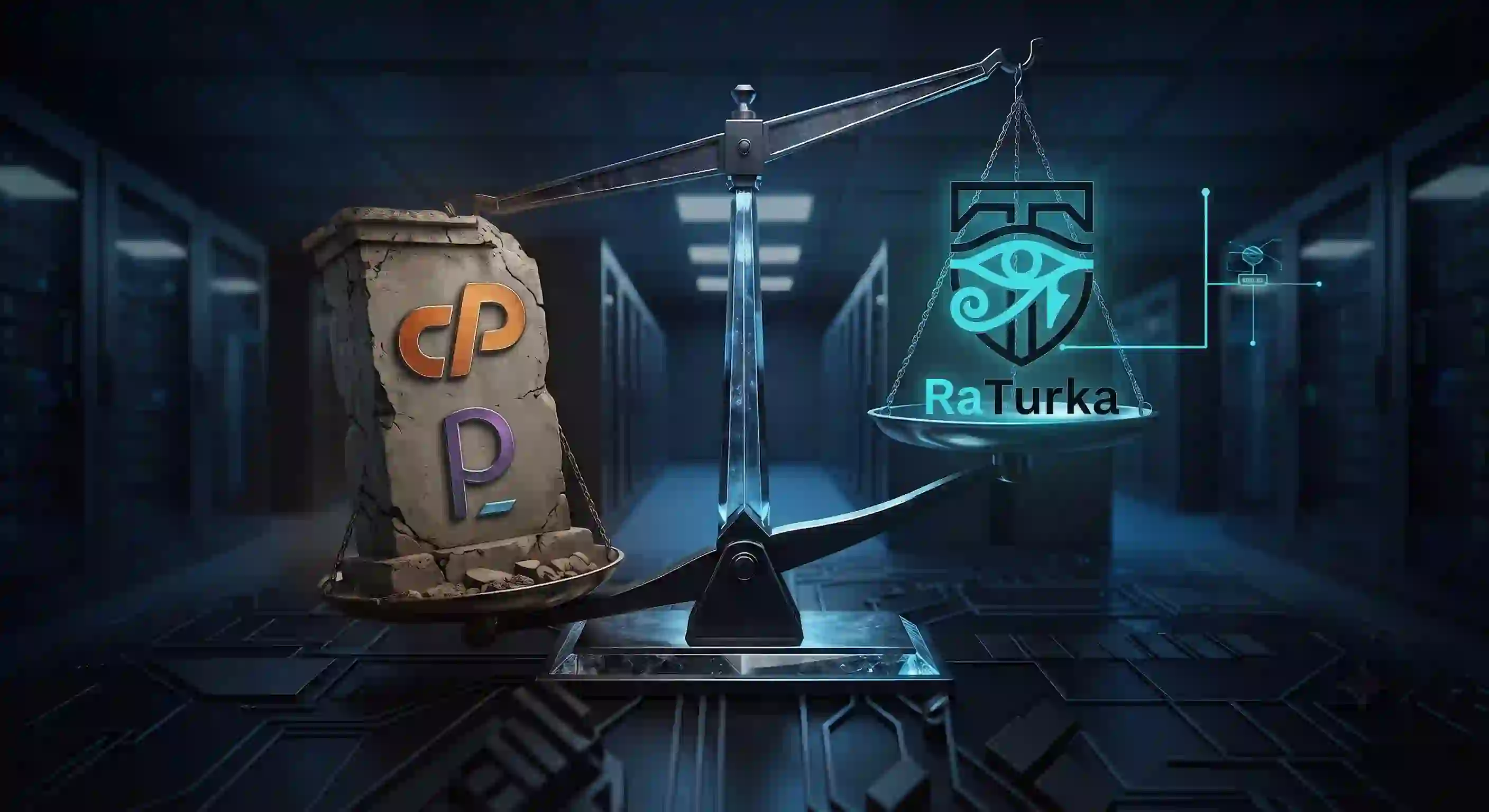
Cost and Security Revolution in Next-Generation Server Management: A Comparative Analysis of RaTurka and Traditional Panels
As VPS providers transition to the Pay-As-You-Go model in 2026, we examined the 24/7 RAM/CPU consumption of cPanel, Plesk, and RaTurka under zero load and their budget impact.
 MÖ
MÖ Agent-Based Architecture
Managing Servers Without Opening Ports: What Is Zero Inbound Port Architecture?
Discover how to manage servers securely without open inbound ports using Zero Inbound Port Architecture and RaTurka's lightweight 30 MB RAM agent platform.